
 SwiftScript
Every prescription,
ready in under a minute.
With SwiftScript, fill out, sign, and export prescriptions from official OMC templates, directly from your desktop.
Request access to the app
Sent! We'll contact you with the next steps.
There was an error, please try again.
No commitment. We'll write to you within 24 hours.
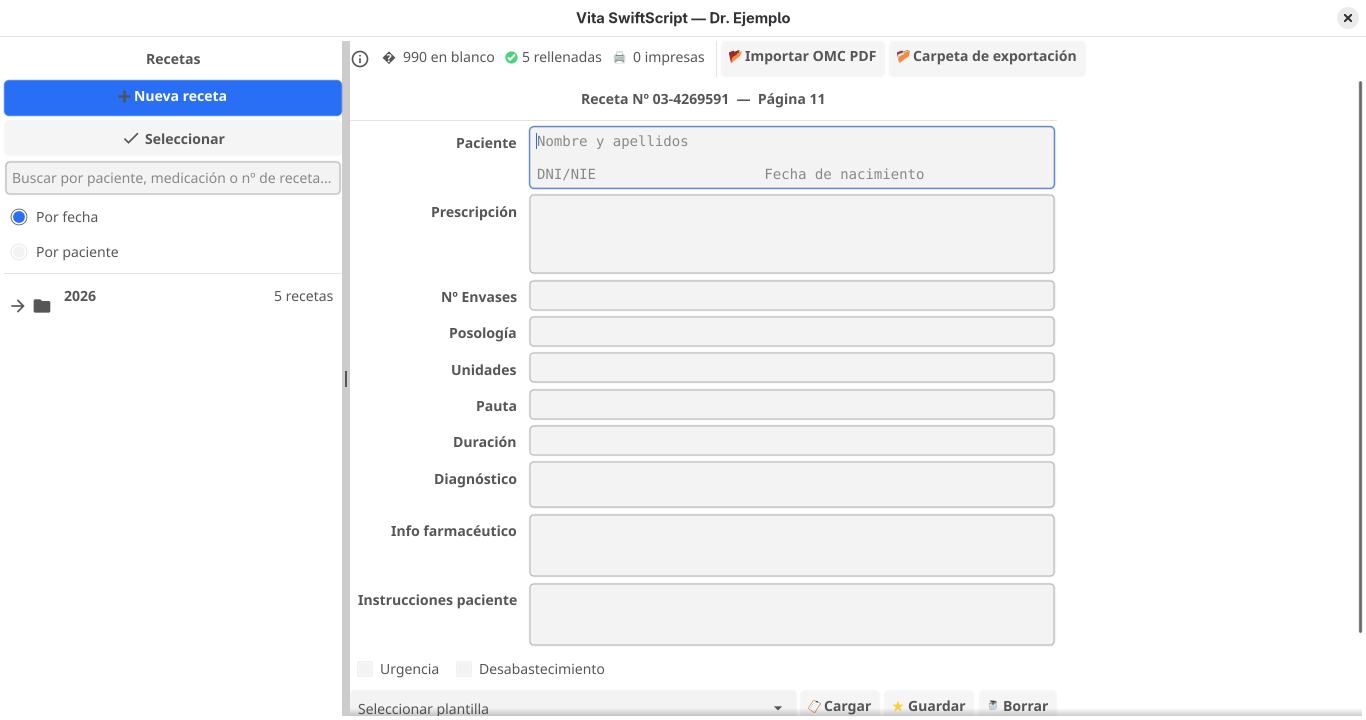
Why choose SwiftScript?
Less time per prescription
Automated templates let you generate a prescription in one click.
Zero formatting errors
Ensures prescriptions for the same patient or medication follow the same format.
Works without internet
Desktop app for Windows, doesn't depend on your Wi-Fi.
Automatically sorted prescriptions
Find the prescription you need quickly with the search function
From patient to signed prescription in 4 steps
From your own desktop and without an internet connection.
- Import your OMC templates
-
Fill in the patient's data
-
Sign digitally
-
Export or print the prescription
Designed for the real pace of a medical practice
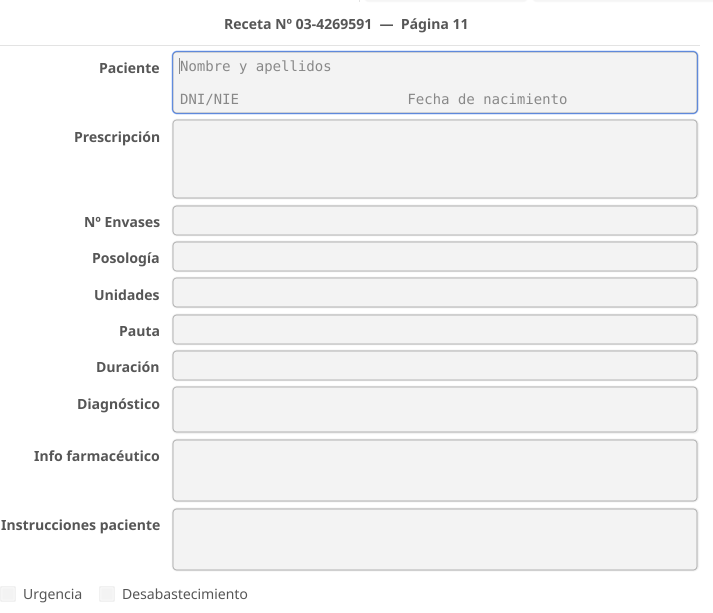
Multiline fields
Patient history and observations with no artificial space limit.

Integrated digital signature
Sign once and reuse it in every prescription you generate.
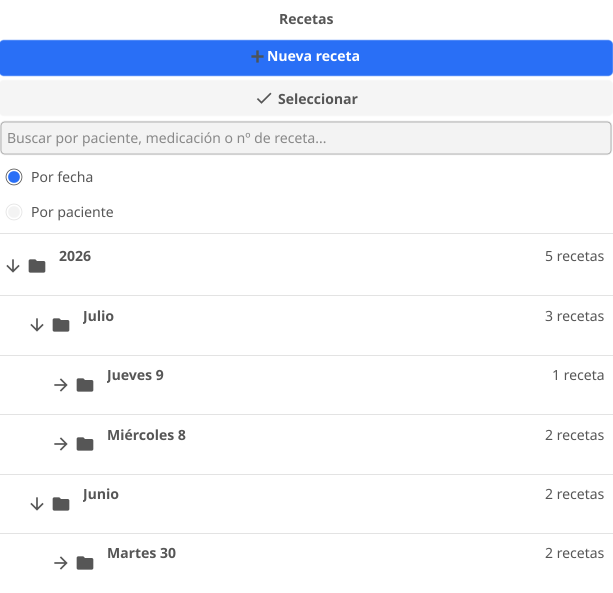
Accordion navigation
All your patients and recent prescriptions, organized in a clear sidebar.
One single plan, no surprises
SwiftScript
600€/year
or €60/month
- Customized official OMC templates
- Digital signature and PDF export
- Local patient history
- Direct email support
Possible questions
Let's see SwiftScript
working in your practice?
Request access now. You'll receive instructions to get started.